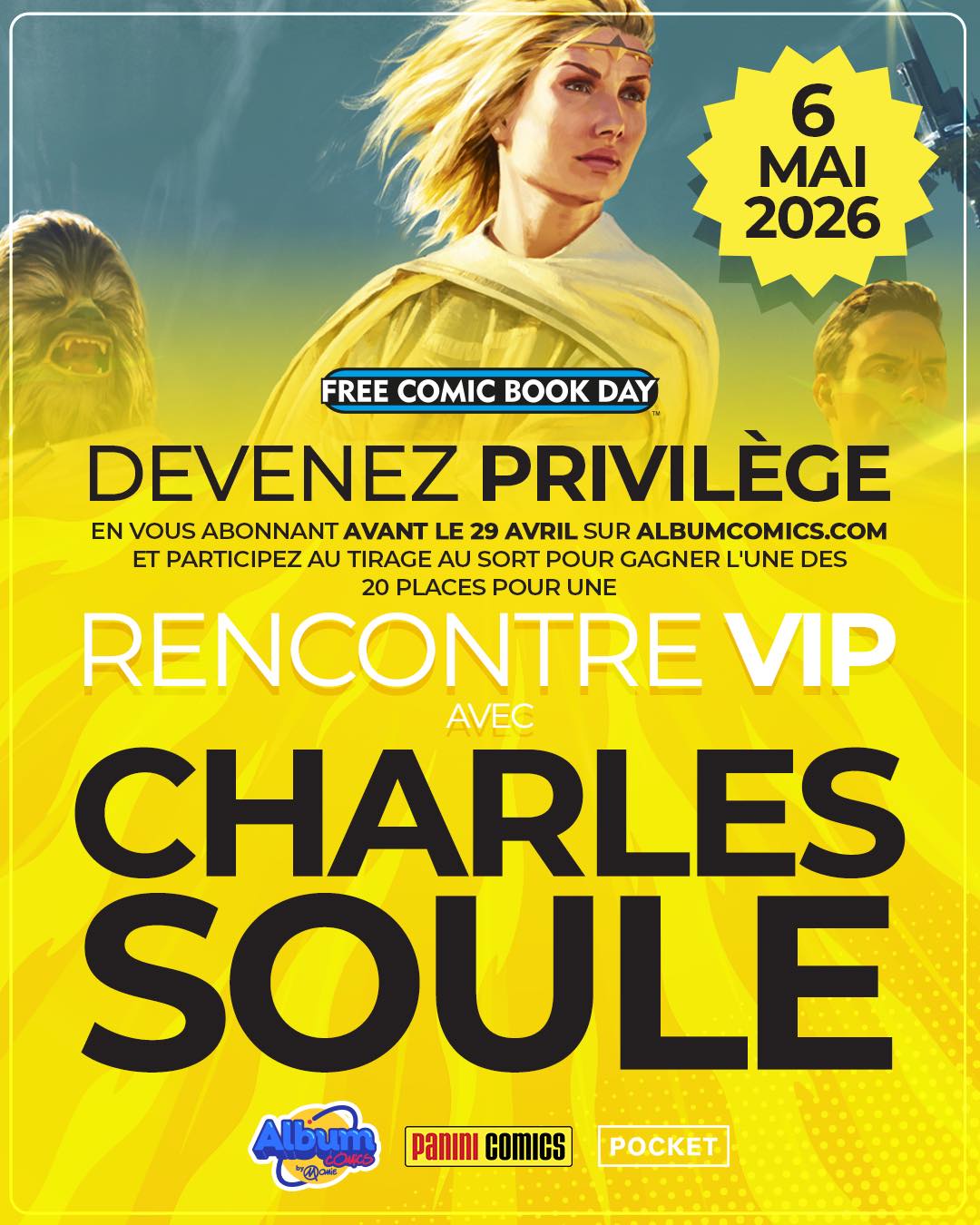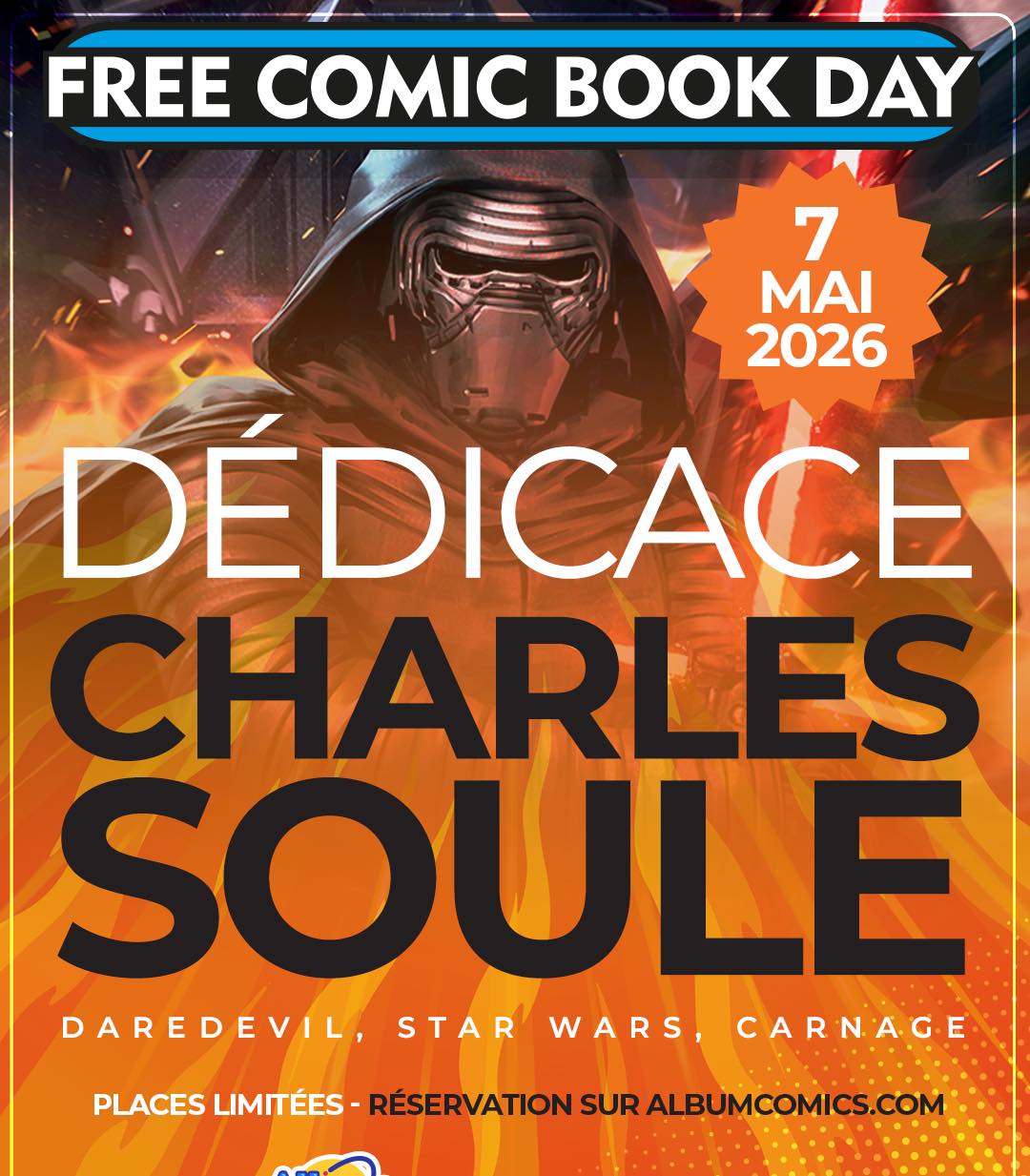
Après son passage à Cusset, l’auteur restera sur la capitale pour une séance de dédicace et une soirée VIP à l’occasion du « Free Comic Book Day ».
Pour la rencontre VIP qui aura lieu le 6 mai, il faudra avant le 29 avril vous abonner sur leur site et participer à un tirage au sort, il n’y aura que 20 places de disponibles.
La séance de dédicace aura lieu le jeudi 7 mai dans leur boutique située au 67 boulevard Saint-Germain à Paris. Vous pouvez dores et déjà réserver votre pack dédicace sur leur site internet.